

LLMs
AI Productivity
OpenAI Dots vs Meta Muse: Price, Safety and Fit (2026)
OpenAI Dots vs Meta Muse: Dots needs a $100 Pro plan, Muse starts free and hit 6.6M downloads. We compare models, cost, safety and which fits your team.
•15 min read
Discover how Apex36’s py-devcontainer packs Python 3.11, PostgreSQL, Adminer, and Node.js into a single VS Code Dev Container.
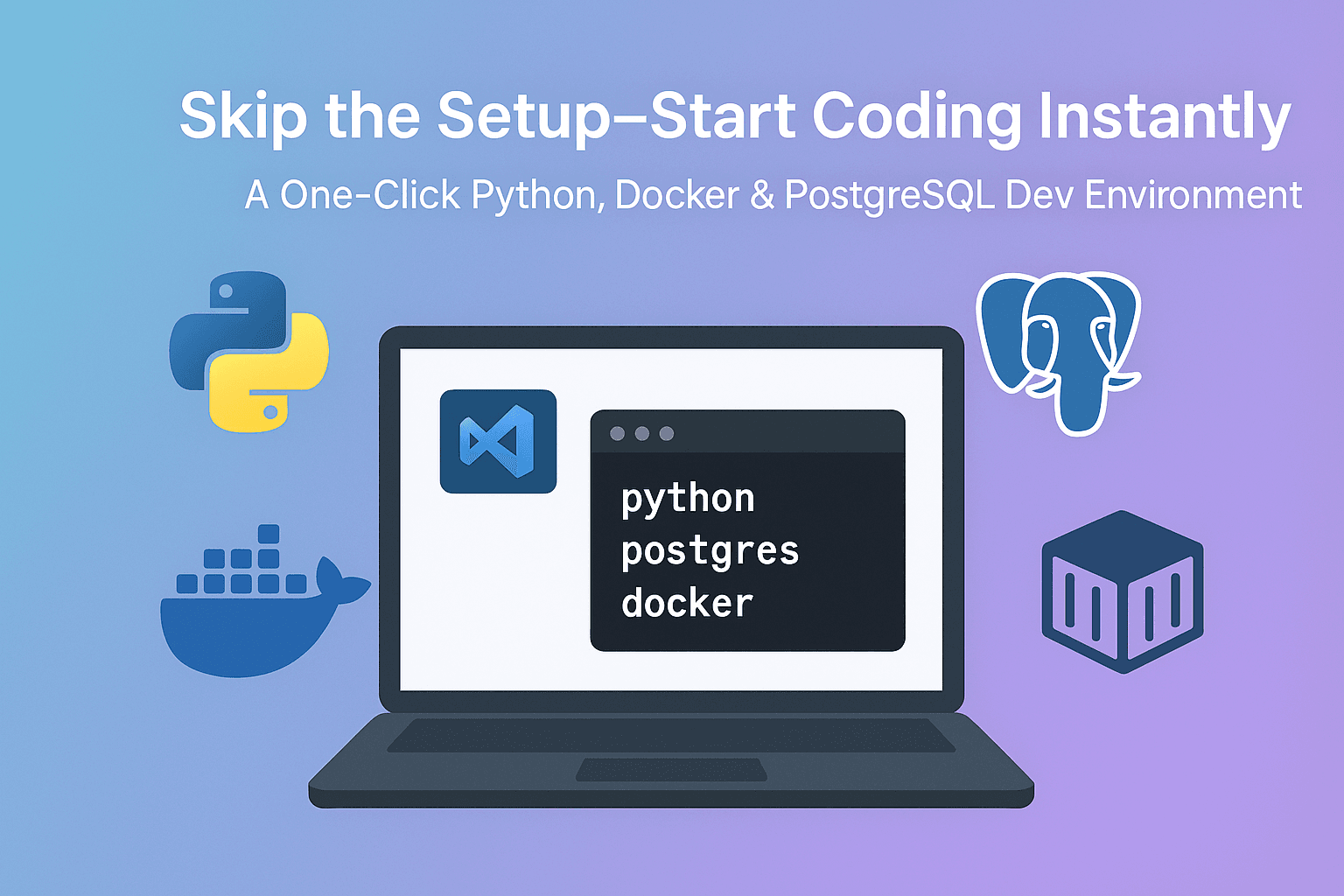
A client came to Apex36 with a familiar problem: every new developer lost the better part of a day getting their local environment working, and no two setups ended up quite the same. We built a reproducible Python devcontainer to close that gap. Here's what was actually in it, why each piece is there, and what changed once the team started using it.
Key Takeaways
- The client's environment relied on manual steps: install Python, create a virtual environment, install dependencies, stand up a local Postgres instance, and seed it by hand.
- We replaced that with a single Dev Containers workflow: clone, open in VS Code, select "Reopen in Container," and the environment provisions itself.
- The stack is deliberately narrow: Python 3.11,
uvfor dependency installs, Node.js LTS for frontend tooling, PostgreSQL, and Adminer for database inspection.- The template is public on GitHub as a reusable starting point, not a one-off internal tool.
New developer setup was the recurring friction point, not any single tool being broken. Each engineer independently installed Python, created a virtual environment, resolved dependency versions, and configured a local Postgres instance by hand. Small differences in OS, Python patch version, or installed system libraries meant "works on my machine" bugs kept surfacing days after onboarding was supposedly done.
We've seen this pattern on more than one client engagement: the setup instructions are documented, sometimes documented well, but a written README can't account for every OS quirk, so onboarding time balloons anyway. A devcontainer sidesteps the problem by shipping the environment itself instead of instructions for building one.
Every piece was chosen to remove a specific manual step, not to look impressive. The repository is organized around a .devcontainer/ folder holding the Dockerfile and Dev Container configuration, plus separate be/ and fe/ directories so backend and optional frontend code stay cleanly split.
| Component | Role | Manual step it replaces |
|---|---|---|
| Python 3.11 | Application runtime | Installing and version-managing Python locally |
uv | Dependency installer | Slow pip install cycles and virtualenv setup |
| Node.js LTS | Frontend tooling | Separate Node version management |
| PostgreSQL | Local database service | Installing and configuring Postgres by hand |
| Adminer (port 8080) | Database UI | Using psql or a separate GUI client just to inspect data |
| Docker Compose | Orchestration | Starting each service manually, in the right order |
An automated post-create step handles the parts developers used to do themselves: initializing the Python virtual environment, syncing dependencies, running database migrations, and loading seed data, all before the developer types a single command.
Under the hood, the template leans almost entirely on shell scripting and container definitions rather than application glue code. Checking the repository's language breakdown confirms that: it's roughly 80% shell scripts and 20% Dockerfile, with none of that weight sitting in the application code itself. That ratio matters more than it looks. It means the reproducibility logic lives entirely in the infrastructure layer, so upgrading the app's dependencies or business logic never risks breaking the onboarding path, and vice versa.
The qualitative shift was in how many decisions a new developer had to make before writing their first line of code. Previously, onboarding meant a sequence of manual, order-dependent steps where a mistake at any point could send someone down a debugging detour before they'd touched the actual project.
We're intentionally not attaching a precise time-saved figure here since we didn't instrument the old process with a stopwatch. What we can say directly: the team reported fewer "it works locally but not for me" issues, and new engineers stopped needing a teammate sitting next to them for the first setup. That's the outcome that actually matters, independent of how many minutes it shaves off.
Most devcontainer setups we've come across online are demos: a minimal example proving the concept works, not something built to survive a real project's growth. We deliberately went the other way. The template ships with both a be/ and fe/ split so it works for API-only projects and full-stack ones without restructuring, and the Postgres and Adminer services are wired in by default rather than left as an exercise for whoever adopts it.
That's also why it's public. A tool that only works inside one client's repository teaches us less than one other teams actually try, break, and send feedback on. The template is available on GitHub as a reusable starting point: apex36tech/py-devcontainer. Clone it as a template, open it in VS Code with the Dev Containers extension installed, and select "Reopen in Container."
Start narrower than feels necessary. It's tempting to bake every tool a team might eventually want into a devcontainer, but every added service is one more thing that can fail to start on a new machine. We kept the stack to what the client's stack actually used: one language runtime, one database, one dependency manager. Add services when a real project needs them, not when they seem convenient in the template.
We can chat about optimizing your development environment with intelligent container solutions.
Continue exploring these related topics
OpenAI Dots vs Meta Muse: Dots needs a $100 Pro plan, Muse starts free and hit 6.6M downloads. We compare models, cost, safety and which fits your team.
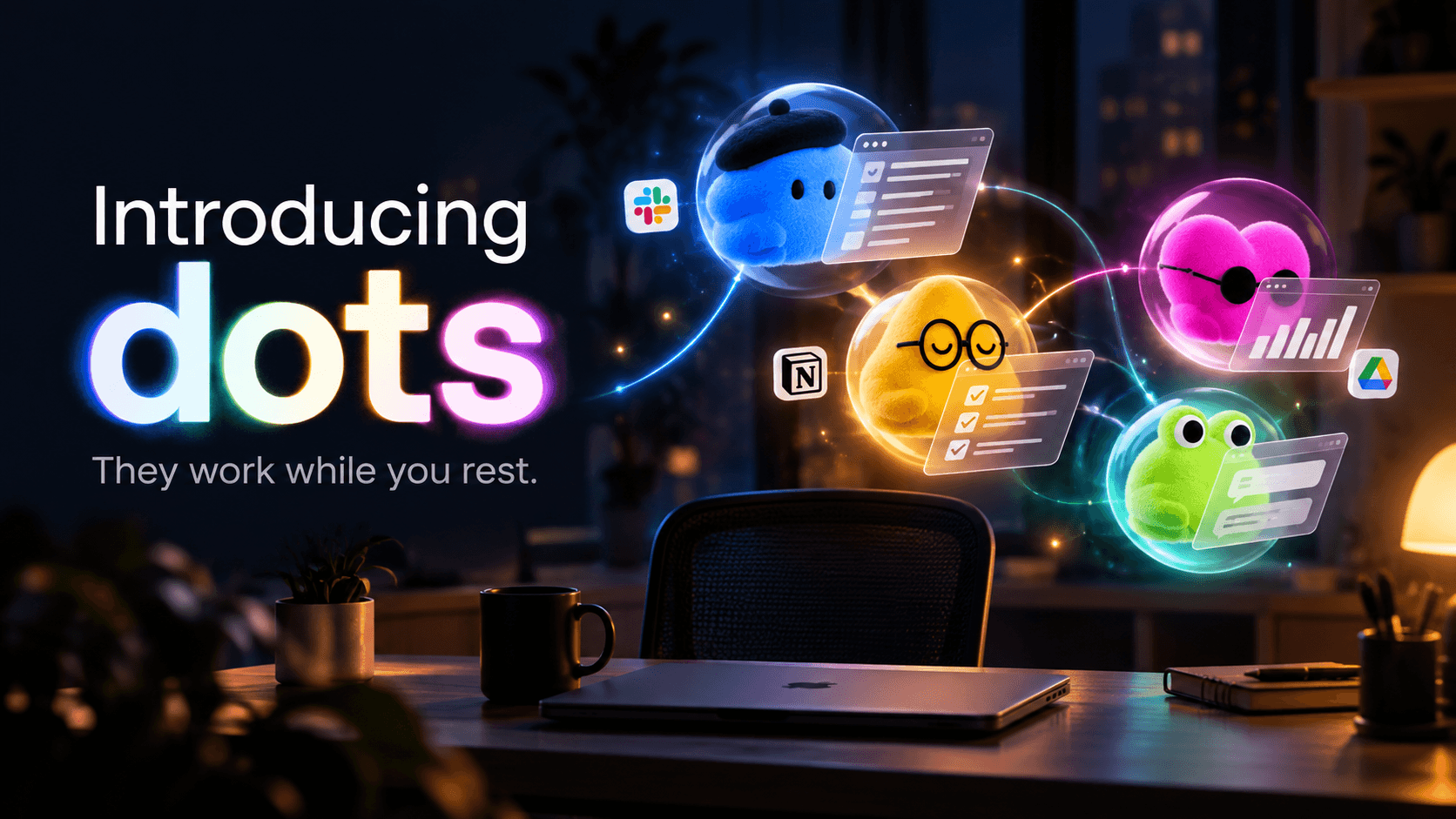
OpenAI Dots are always-on GPT-6 Astra agents with their own cloud computer and 4,000+ app plugins. Here's what they do, what they cost, and what to lock down.

Claude Opus 5.5 scores 58 on the Artificial Analysis index against GPT-6 Astra's 53 and Sol's 48. But Sol costs half as much and runs faster. Full breakdown.