
LLMs
Developer Tools
What Is Cursor Origin? The GitHub Rival Built for Agents
Cursor's Origin launched in beta on August 17, 2026, the same day GitHub went down for 7.5 hours. Here's what it actually ships, and what it still can't do.
•11 min read
Create on-brand social posts, banners, and marketing assets instantly. Upload one reference and let BrandGen generate consistent AI visuals.
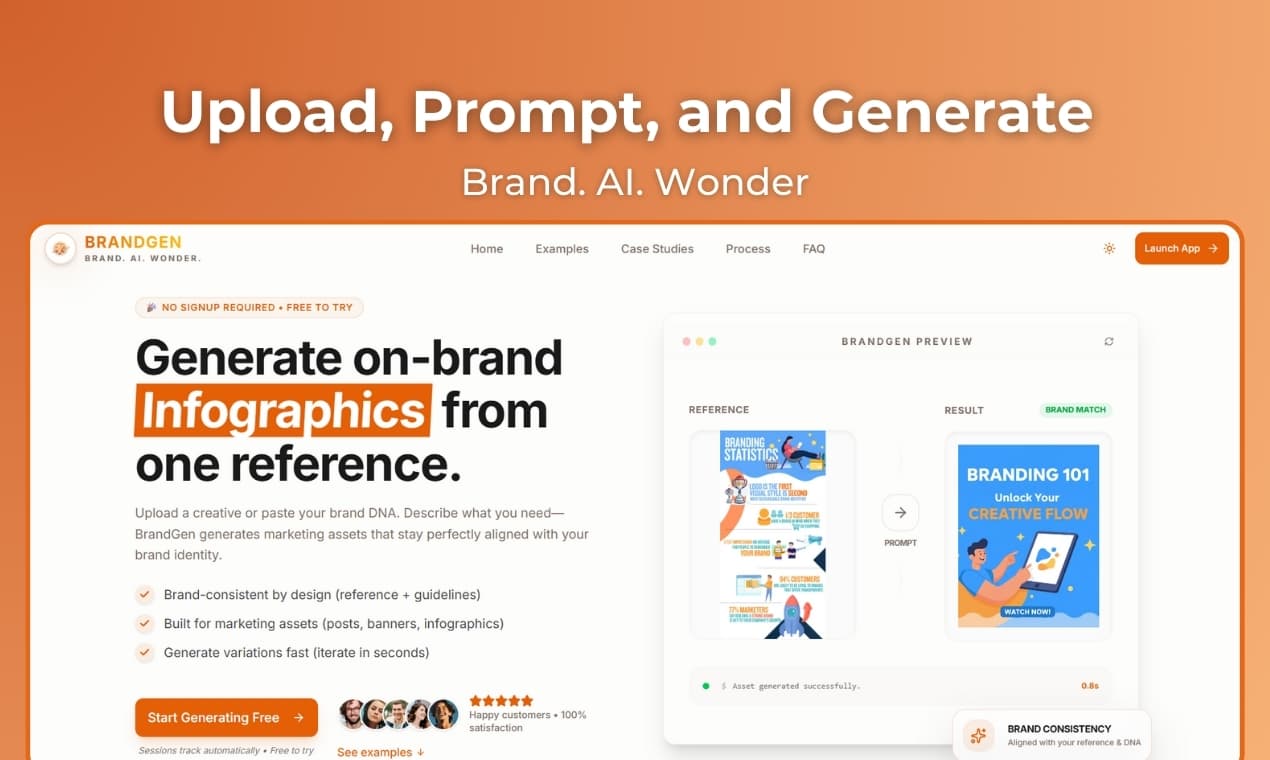
Stop fighting AI prompts. Start generating visuals that actually look like your brand. Introducing BrandGen
Built by Apex36 • Try it at getbrandgen.com
BrandGen is an AI brand image generator built for on-brand AI content generation — brand-consistent AI image generation that locks to your colors, fonts, and style from a single prompt, no prompt engineering required.
You need a quick social post or webinar banner.
You open an AI image generator. You spend 20–30 minutes crafting the “perfect” prompt:
“Modern tech startup, minimalist, clean, blue and white…”
The output? Beautiful.
But there’s one issue: it looks nothing like your brand.
Wrong shade. Generic vibe. No consistency.
And now the “5-minute AI solution” becomes hours of tweaking + manual editing.
We heard this story too many times. So we fixed it.
BrandGen is a brand-aligned AI image generator that creates marketing visuals based on your brand context—not guesswork. It's built for on-brand content generation and brand asset generation at scale: define your brand once, and every output stays consistent.
You give it either:
…and then you write a simple prompt like:
“Create a webinar promotional graphic with title and date.”
BrandGen returns images that follow your brand’s colors, style, composition, and overall tone. :contentReference[oaicite:0]{index=0}
✅ From Guidelines (Text) OR ✅ From Image (Upload)
It extracts (or uses your text) to understand:
Now prompts become easy again:
Best for: new brands, precise control, teams with clear guidelines.
Example prompt:
“Webinar or event promotional graphic with title and date”
Real outputs generated using this path (attached examples):
Output 1 -

Output 2 -

What you’ll notice immediately:
Best for: brands with existing visuals, agencies, anyone with a “look” already.
Upload one brand image (logo / previous creative / campaign artwork).
BrandGen analyzes it, extracts the style, and generates new visuals in the same vibe.
Sample Image Uploaded:

Prompt:
New Year eve celebration at Burj Khalifa
Real output generated using the upload method (attached example):

Translation: You don’t need to explain the vibe. The image already does it.
| Most AI image tools | BrandGen |
|---|---|
| You describe the brand every time | You define brand context once |
| Results vary wildly | Consistent outputs across generations |
| You prompt-engineer forever | Simple prompts work |
| Generic “nice-looking” visuals | Brand-aware visuals that match your identity |
Create an event announcement graphic with a bold headline and a clear date/time.
Create a social media announcement post in the same style.
Total time: under 60 seconds.
At Apex36, we kept seeing the same pattern:
Brands invest time + money into a visual identity…
…then struggle to maintain consistency across content at scale.
AI should help. But most tools generate generic visuals.
BrandGen changes the default:
Your brand identity is the starting point—not an afterthought.
Your brand identity matters. AI should respect it.
✅ No waitlist. Easy signup. No barriers.
👉 Try BrandGen: getbrandgen.com
🚀 Product Hunt: Vote for BrandGen
What would you create with BrandGen?
Share your creations with #BrandGenAI
Find out how BrandGen helps create perfectly consistent brand visuals.
Continue exploring these related topics
Cursor's Origin launched in beta on August 17, 2026, the same day GitHub went down for 7.5 hours. Here's what it actually ships, and what it still can't do.
Smart AI glasses shipments hit 13.6 million units in 2026, led by Meta's Ray-Bans. Here's what's fueling the boom, and the privacy backlash trailing it.
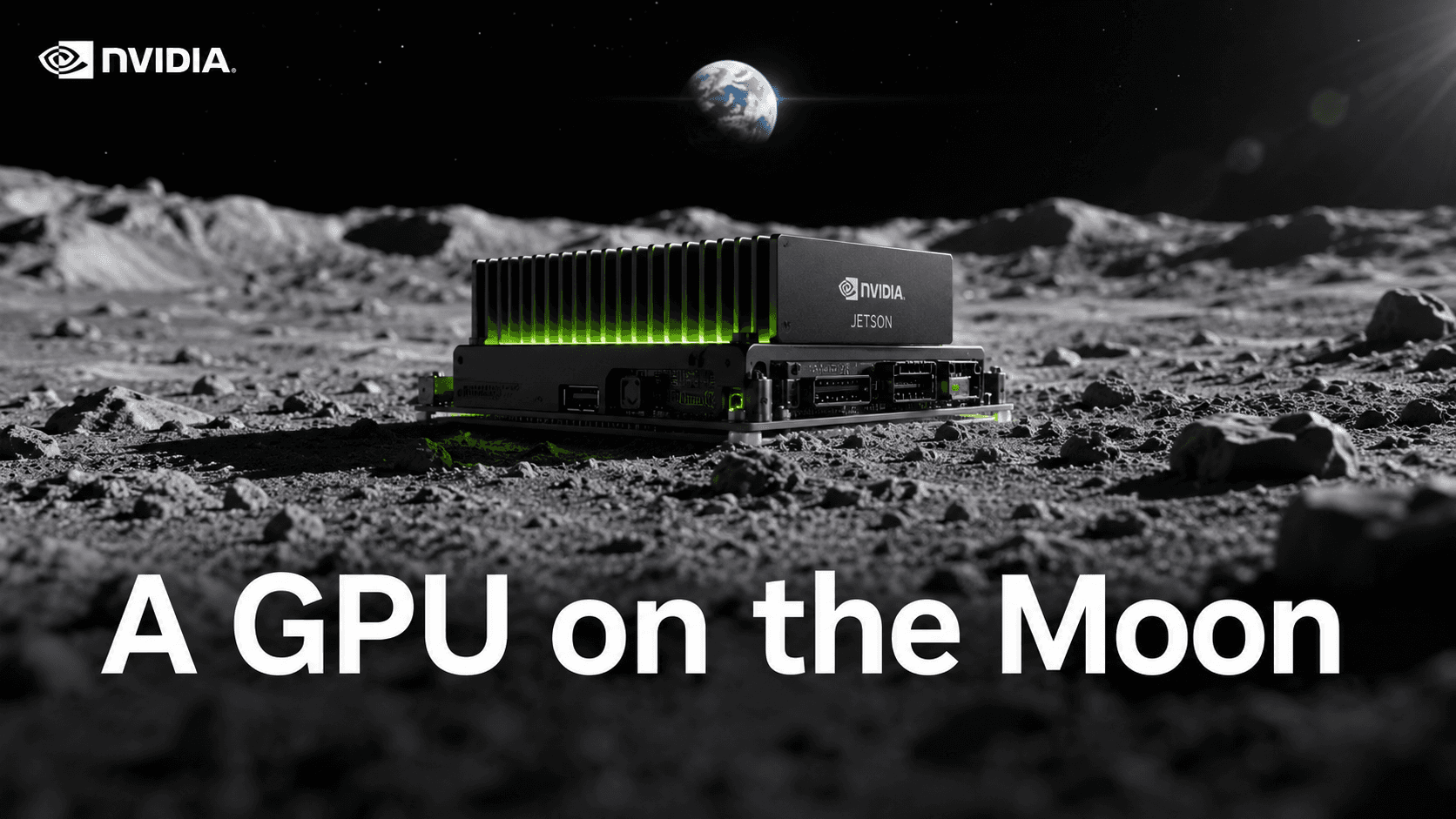
Nvidia's Jetson edge-AI modules reach the lunar surface and orbit in 2026, likely the first GPU on the Moon. Here's why on-site AI beats beaming data home.