

LLMs
AI Productivity
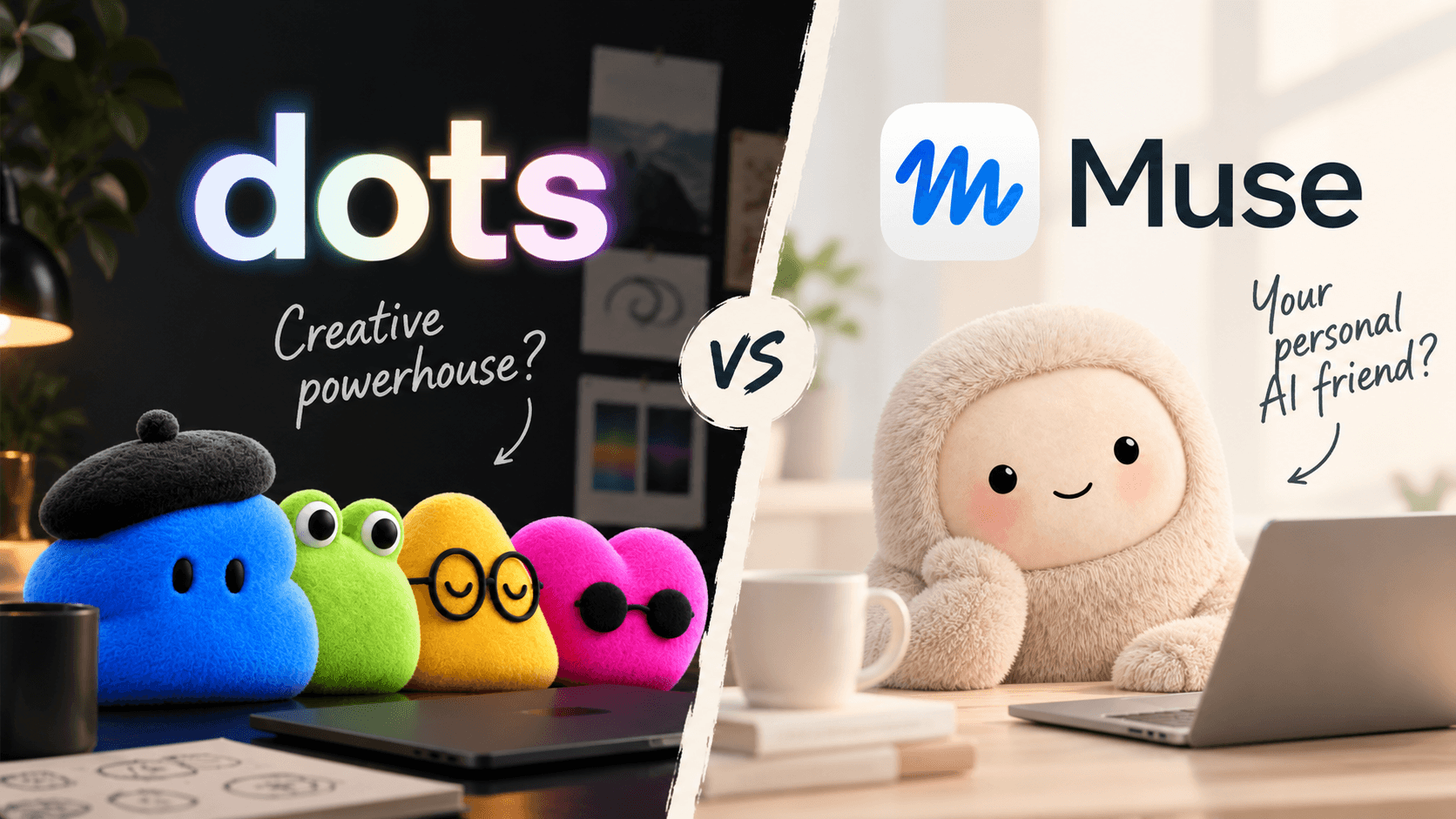
OpenAI Dots vs Meta Muse: Price, Safety and Fit (2026)
OpenAI Dots vs Meta Muse: Dots needs a $100 Pro plan, Muse starts free and hit 6.6M downloads. We compare models, cost, safety and which fits your team.
•15 min read
Learn how Next.js 14 Server Components reduce client JS, boost SEO, improve performance, and simplify data fetching. Real examples, patterns, and best practices included.

Next.js 14 has pushed React development into a new era — and at the center of this shift is Server Components. They promise faster performance, better security, cleaner architecture, and dramatically simplified data fetching.
But how do they work?
When should you use them?
Are they really better than Client Components?
What mistakes should you avoid?
Let’s break it all down with real examples, visuals, comparisons, and best practices so you can confidently use Server Components in production.
In the app/ directory in Next.js 14, every component is a Server Component by default.
This means:
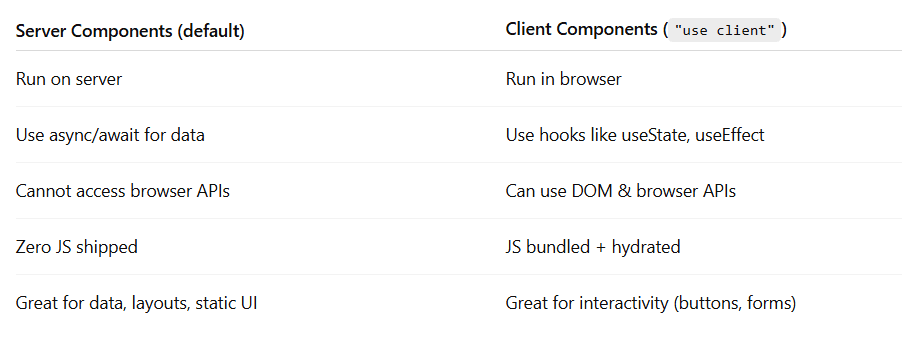
They run on the server, not in the browser.
They do not ship JavaScript to the client.
They can directly access databases, files, or server-only APIs.
They do not use state, effects, or browser APIs.
They allow lighter, faster, more secure applications.
Server Components are designed to work together with Client Components in a hybrid architecture.
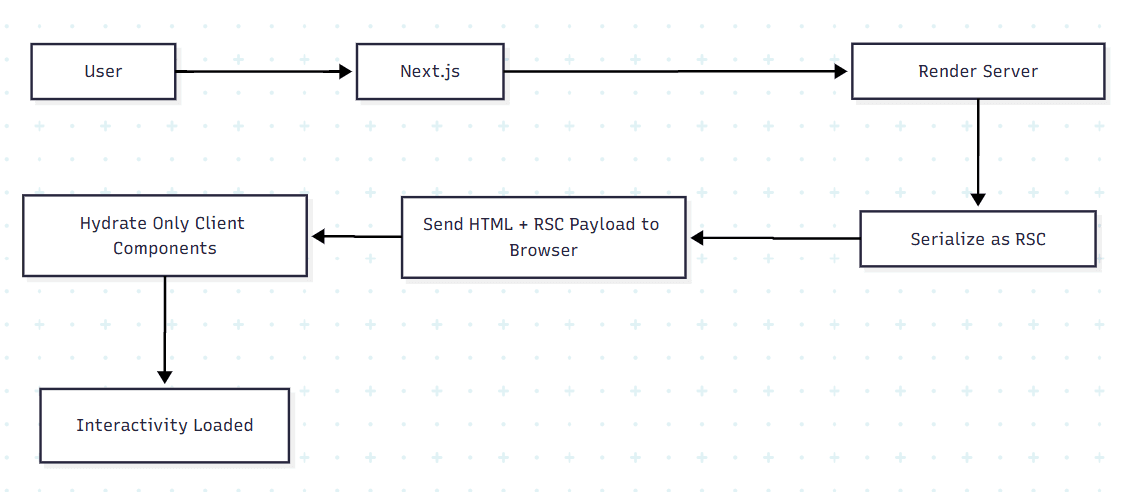
Next.js uses a special rendering pipeline that includes:
Rendering the component on the server.
Converting its output into an RSC payload (a lightweight data format).
Sending that payload to the browser.
Letting the browser hydrate only the Client Components.
Server and Client components compose into one React tree.
✔ No client-side JS for server components
✔ All server logic stays private
This architecture leads to significantly faster page loads and cleaner code.
No JS shipped → smaller bundles.
Faster initial page loads.
Better Core Web Vitals.
Automatic streaming means faster perceived load.
API keys, secrets, DB credentials stay on server.
Never exposed to browser network.
Server code is not downloadable.
Fetch directly inside components.
No API routes needed for server logic.
Automatic caching (request, fetch, and router cache).
You don’t need any special syntax.
Every component in app/ → is automatically a server component.
Example:
export default async function BlogList() {
  const res = await fetch("https://api.example.com/posts");
  const posts = await res.json();

  return (
    <ul>
      {posts.map(p => <li key={p.id}>{p.title}</li>)}
    </ul>
  );
}
This is a Server Component because:
"use client" directiveServer Components support:
Direct DB queries
Direct file system access
Secure API calls
Async functions inside components
Example :
export default async function Products() {
  const products = await db.product.findMany();

  return (
    <section>
      {products.map(p => (<p key={p.id}>{p.name}</p>))}
    </section>
  );
}
This bypasses:
API routes
Client data fetching
Extra round trips
Server for data + structure → Client for interactivity
Server component
import LikeButton from "./LikeButton";

export default async function Post() {
  const post = await getPost();
  return (
    <article>
      <h1>{post.title}</h1>
      <LikeButton id={post.id} />
    </article>
  );
}
Client Component
"use client";

export default function LikeButton({ id }) {
  return <button onClick={() => likePost(id)}>Like</button>;
}
This is the recommended pattern for Next.js 14 apps.
Next.js 14’s Server Component architecture simplifies full-stack React development by offering:
Faster performance
Smaller JavaScript bundles
Better security
Cleaner data fetching
Built-in caching
Automatic streaming
Predictable server/client boundaries
Understanding and using Server Components is now essential for building modern, scalable, and efficient Next.js applications.
Let's chat about optimizing your Next.js applications with Server Components and best practices.
Continue exploring these related topics
OpenAI Dots vs Meta Muse: Dots needs a $100 Pro plan, Muse starts free and hit 6.6M downloads. We compare models, cost, safety and which fits your team.
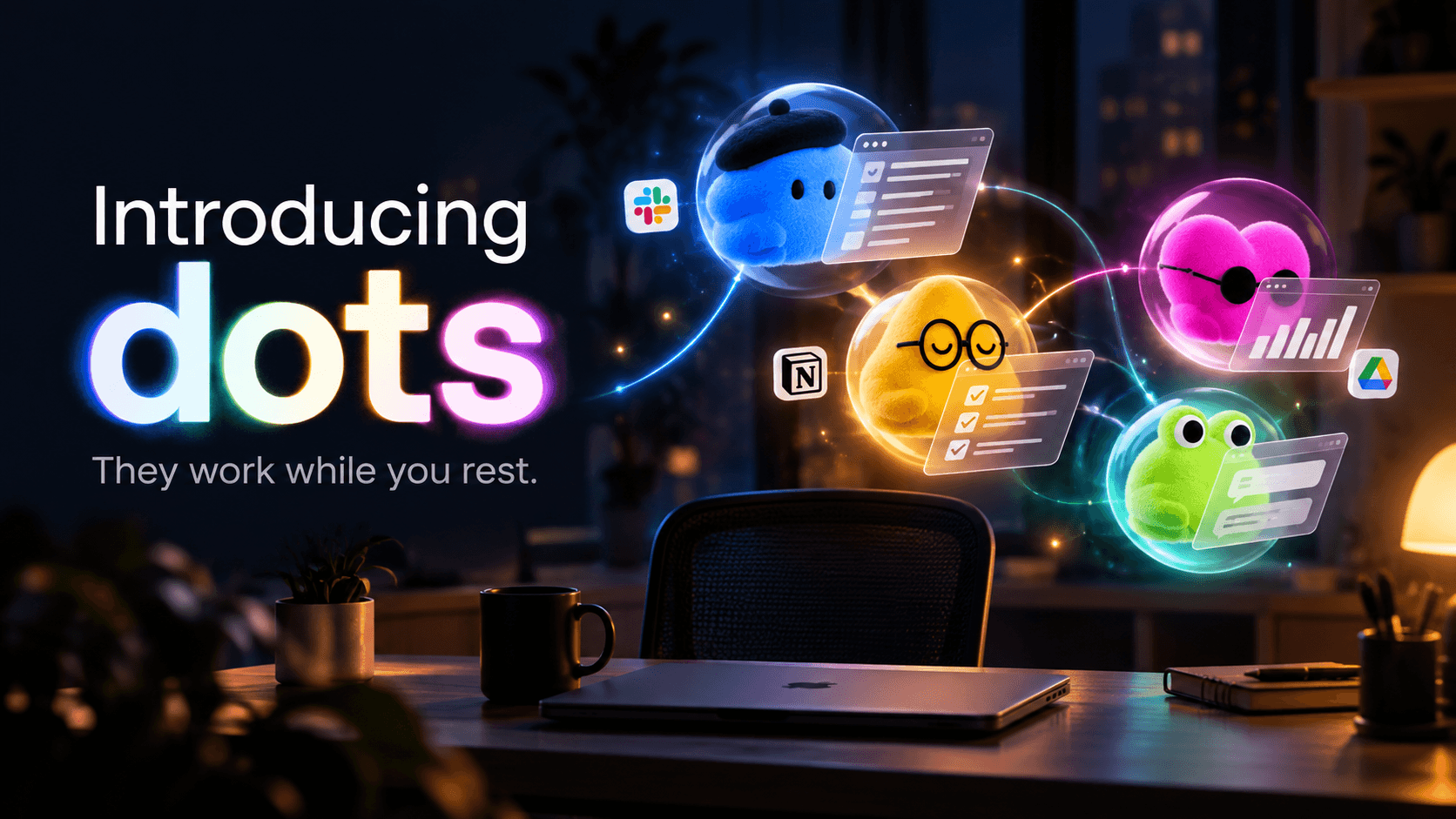
OpenAI Dots are always-on GPT-6 Astra agents with their own cloud computer and 4,000+ app plugins. Here's what they do, what they cost, and what to lock down.

Claude Opus 5.5 scores 58 on the Artificial Analysis index against GPT-6 Astra's 53 and Sol's 48. But Sol costs half as much and runs faster. Full breakdown.